Weekly digest
A calm snapshot of open steps, waiting-on, look-ahead and money watch-outs.
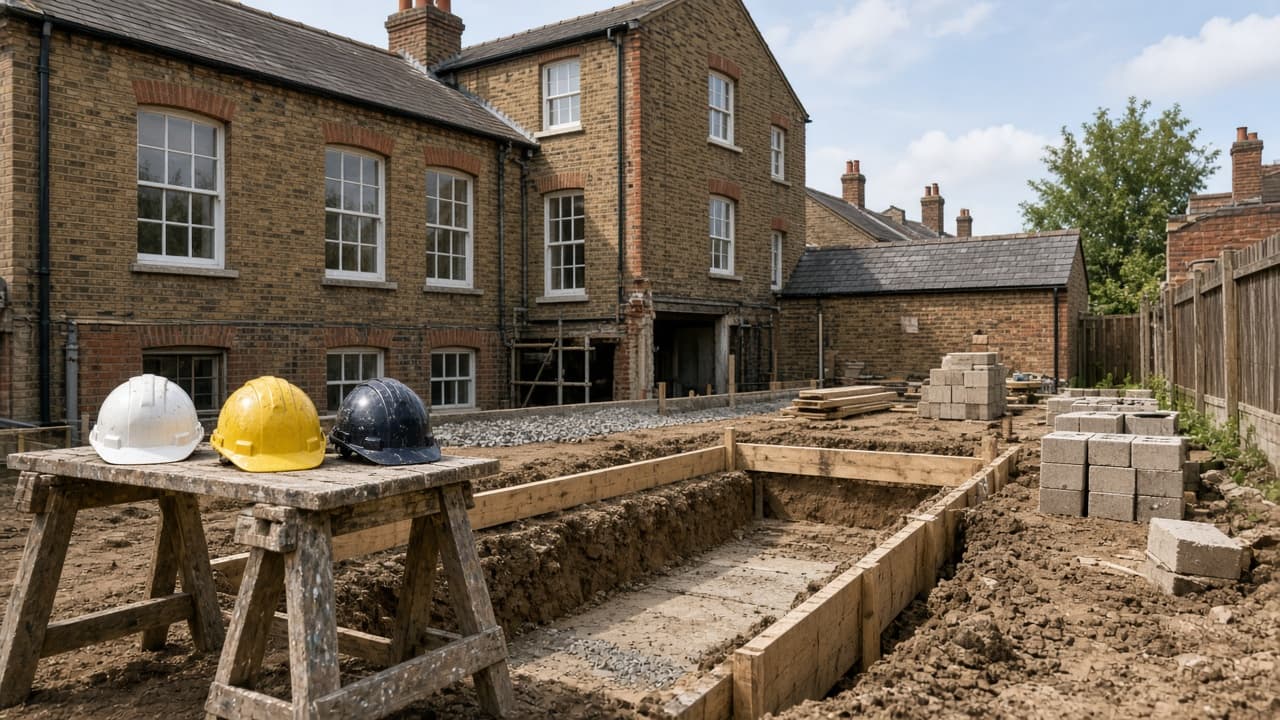
How it works
Homehint turns plain facts about your build into a calm, personalised next step — so you always know what to do now.
01
A short setup: what you’re changing, where you are in the journey, and a few simple facts. “Not sure” is fine — you’ll still get a useful starting point.
02
Your profile unlocks the right discoveries — ecology, neighbours, ground, warranty and more — tailored to this build.
03
Every action explains why it’s shown, what to save, and who typically owns the conversation — so you walk into meetings prepared.
04
Today focuses on the next action. Prepare a message, record an outcome, update money, or open Ask on Pro.
05
Decisions, notes, costs and files stay with your account and project — ready on any device.
Today
Talk to an ecologist about timing
Why this showed up · Older roof works
Journey
Design & permissions
4 open · Ecology · Neighbours · Ground
Money & Library
Sketch category budgets early, attach real quotes as they arrive, and store contracts and insurance evidence in Library — with Pro smart filing when files pile up.

A calm snapshot of open steps, waiting-on, look-ahead and money watch-outs.
Share selected facts and questions with advisers you already trust.
Follow-ups and timing cues with plain dates — reminders when you want them.
Suggested document type, place and optional key date when you upload.
One primary next step, supporting tasks, waiting items and a money snapshot — plus entries to weekly digest and deadlines on Pro.
Today
Talk to an ecologist about timing
Why this showed up · Older roof works
Stages with where you are now expanded. Open any action for guided steps and outcomes.
Journey
Design & permissions
4 open · Ecology · Neighbours · Ground
Category budgets, quote-vs-budget updates with suppliers, and a guided provisional breakdown.
Money
Provisional category budget
Goal £420k · Quotes updating live
Answers grounded in your project — what’s next, why it showed up, who to talk to.
Ask · Pro
What’s next on this barn?
Answers from your loaded project
Prefer a visual tour first? See the product screens or read the product deep-dive.
Product screens
UI moments from setup through Today, Journey, Money and Ask — framed as product screens, not customer stories.
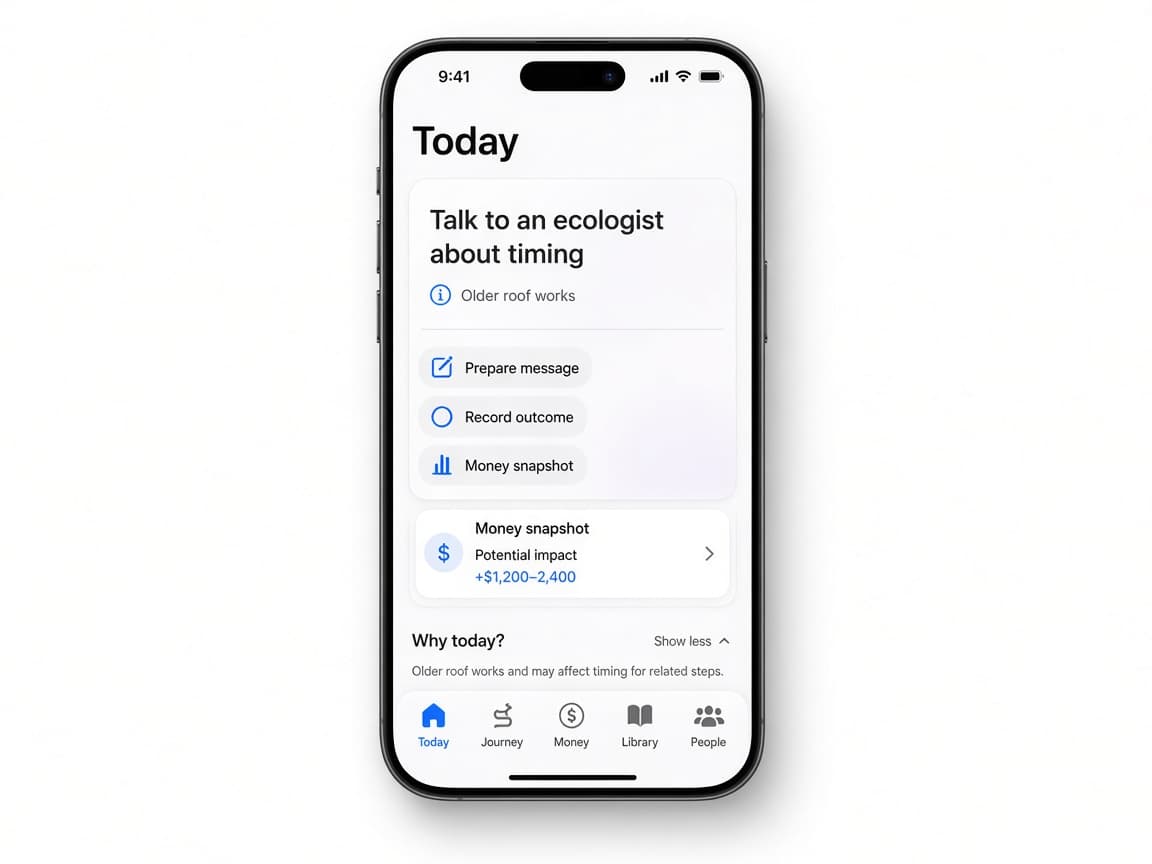
One clear next step, supporting tasks and a quiet money snapshot.
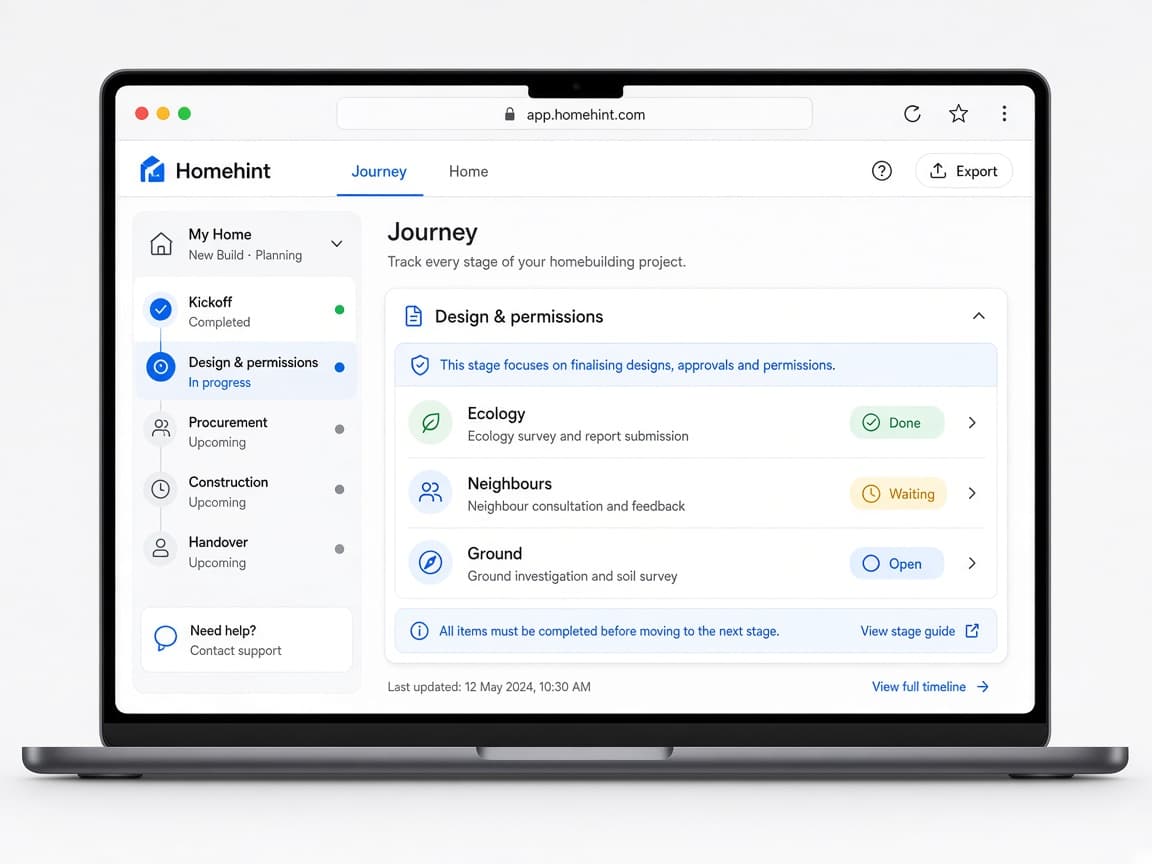
Stages with the current one expanded — ecology, neighbours, ground and more.
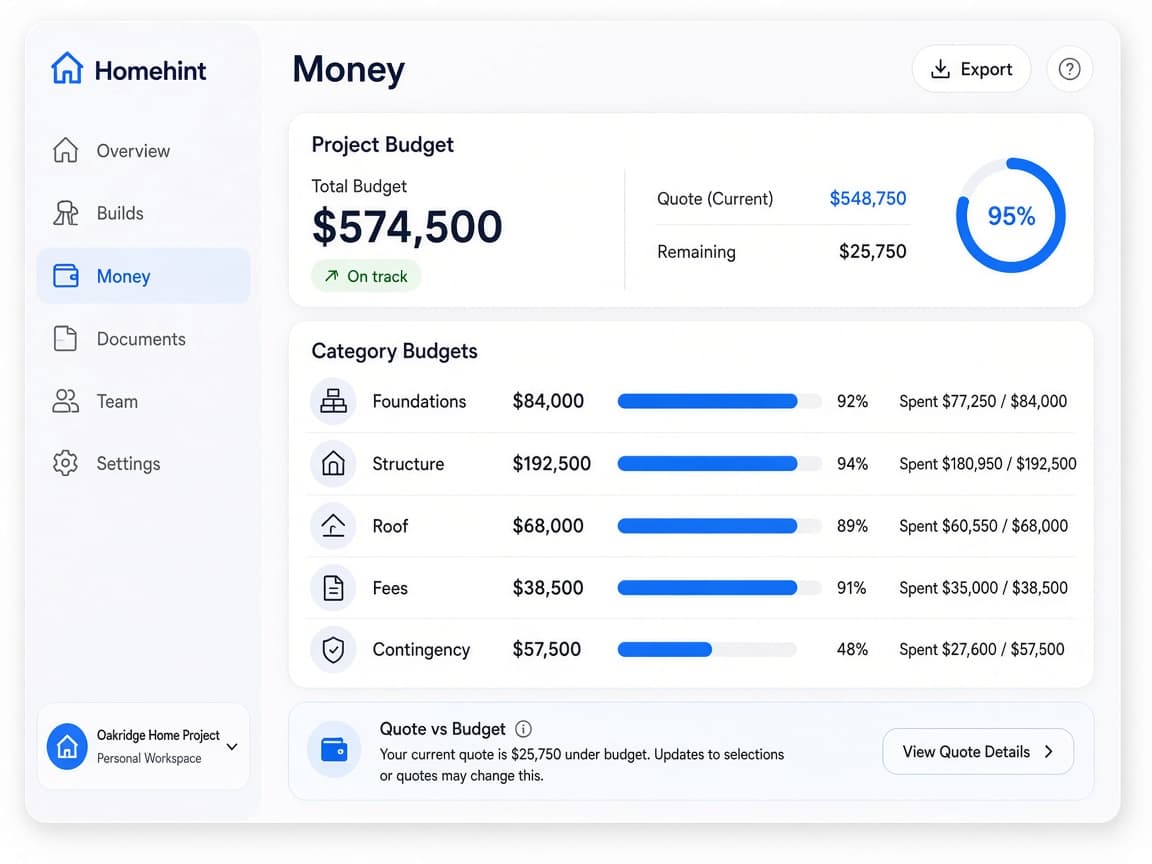
Category budgets, quotes and cash in one calm view.
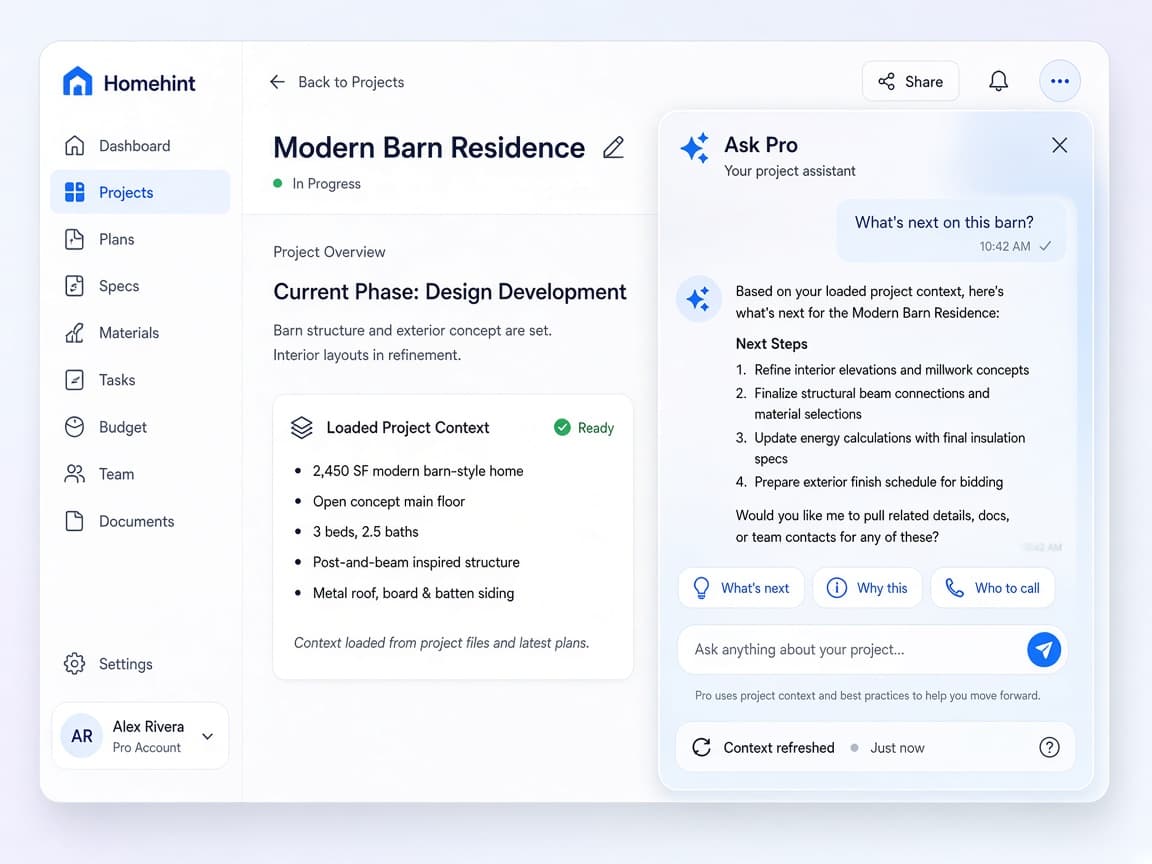
Answers grounded in your loaded project — never invented compliance.

Five short guided stages — plain questions, progress, and a local preview.
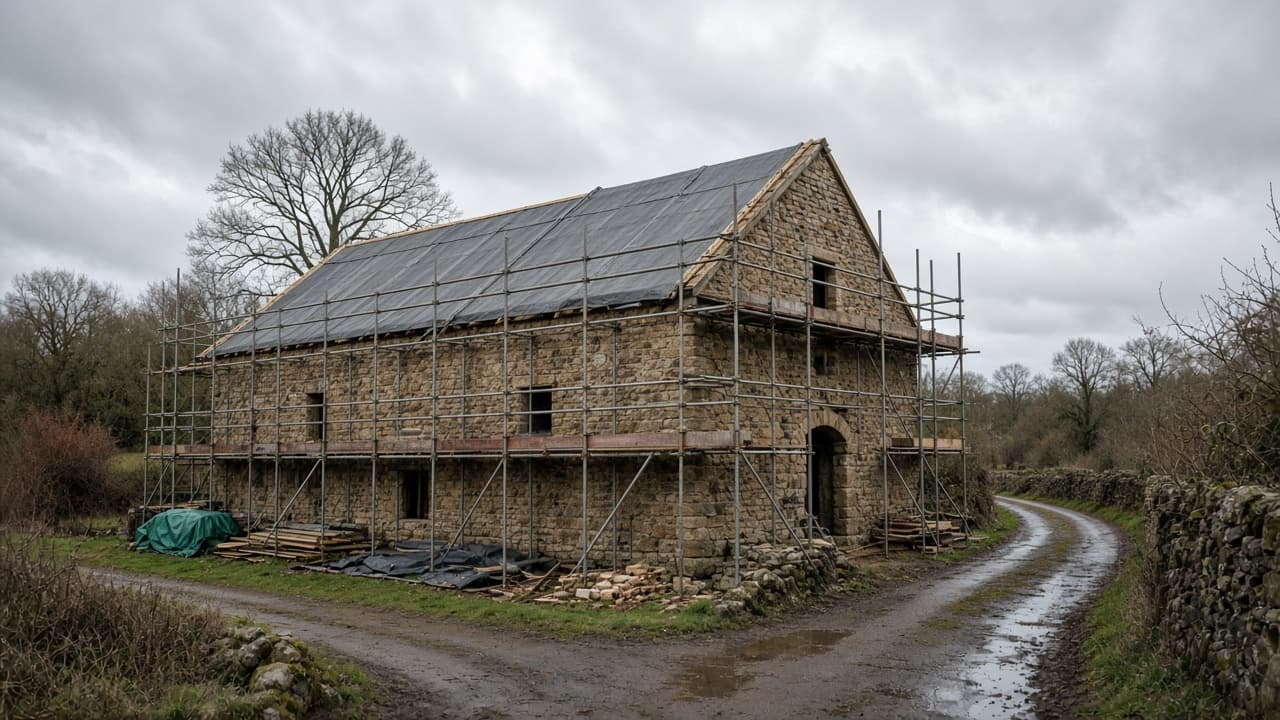
Five short questions about your project. Your answers save as you go, then you’ll see what to do next.
Start freeStart free in your browser. Set up your project in minutes and keep one clear next step in front of you.